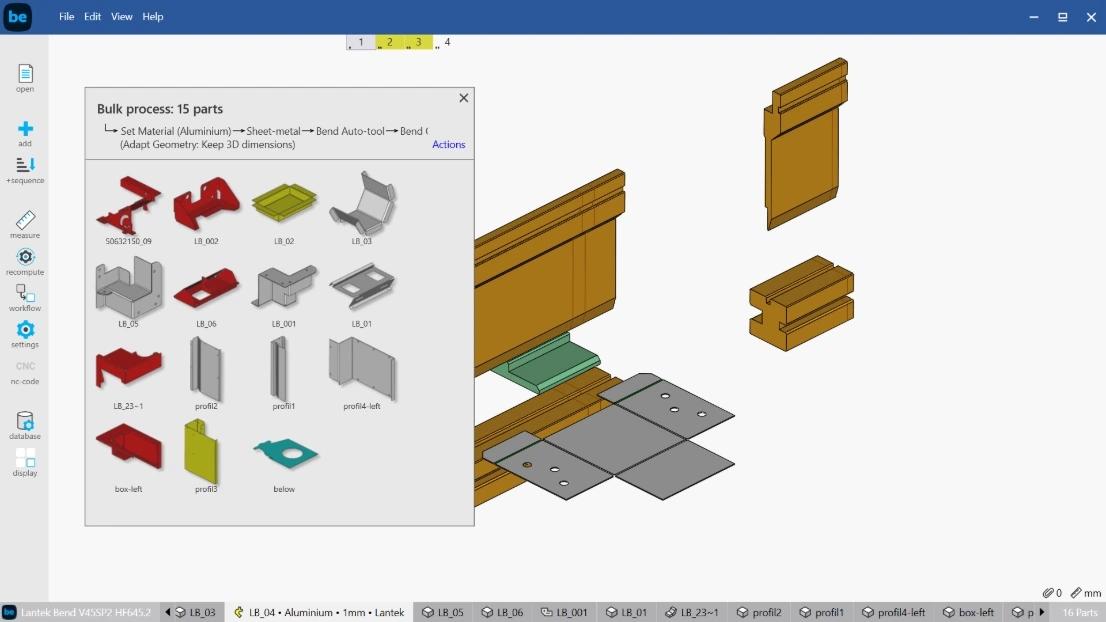
3D simulation of the bending process
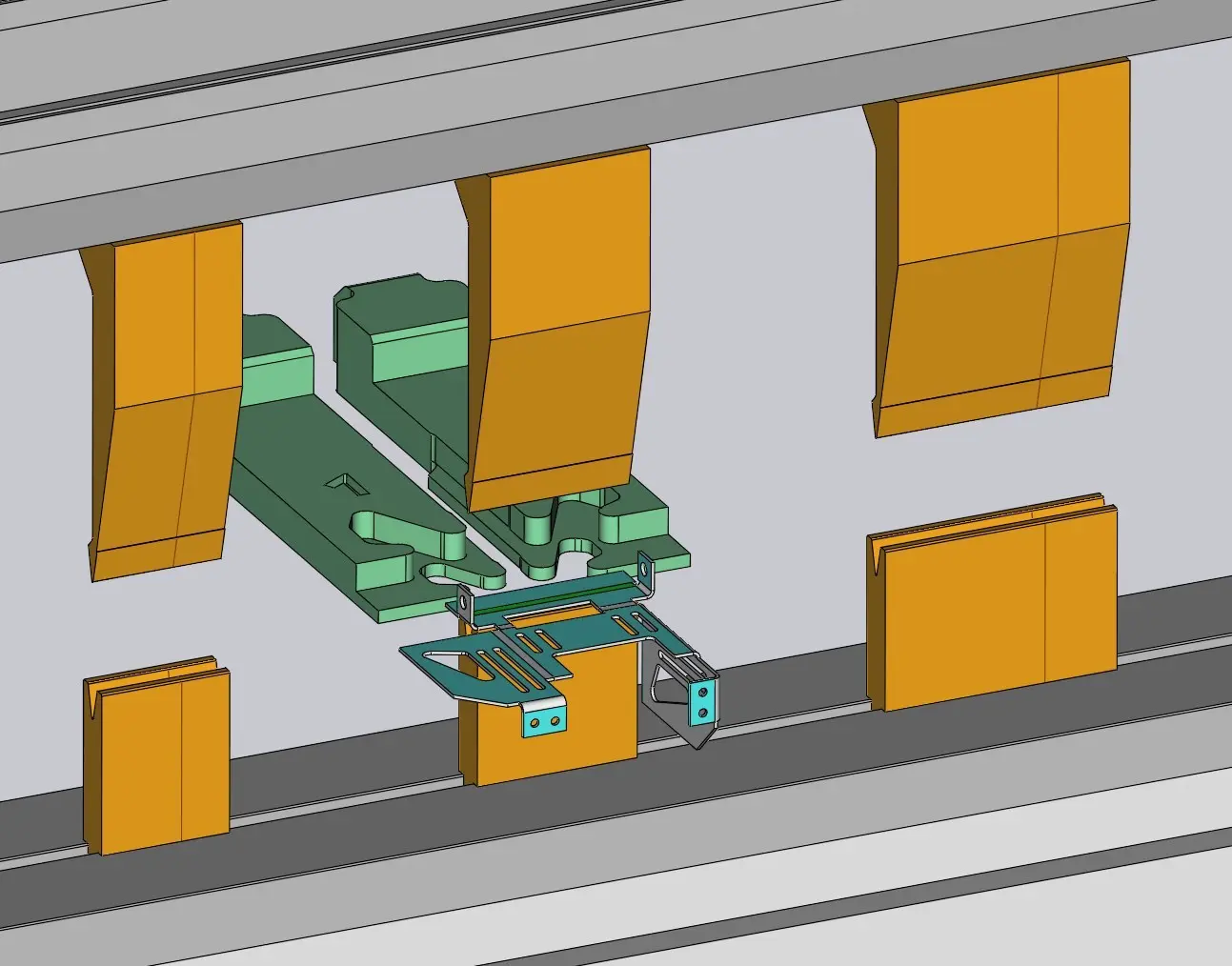
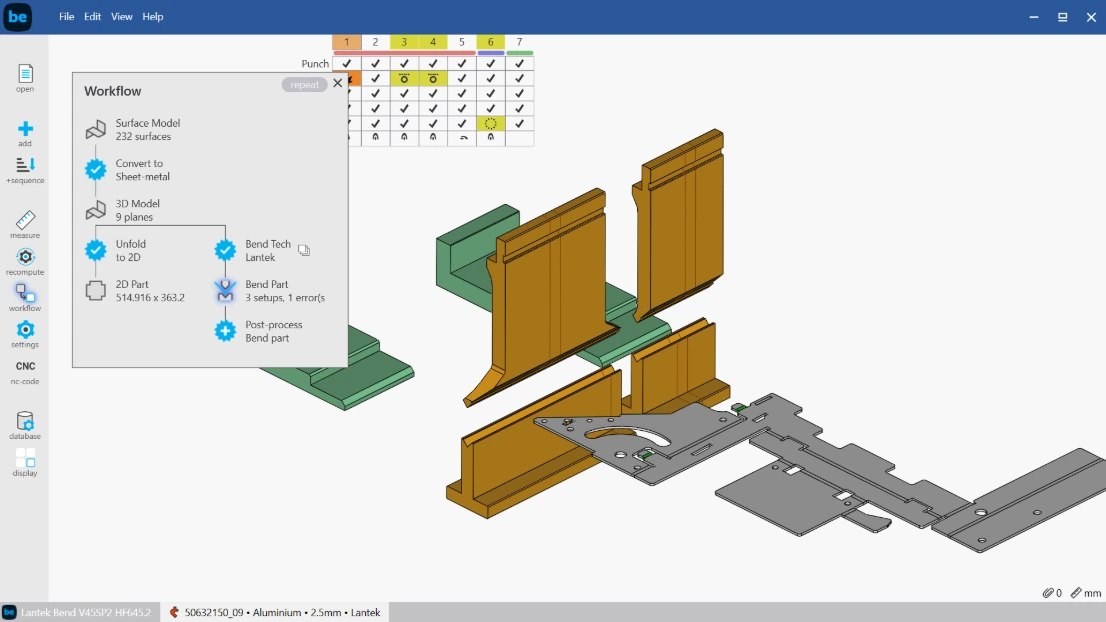
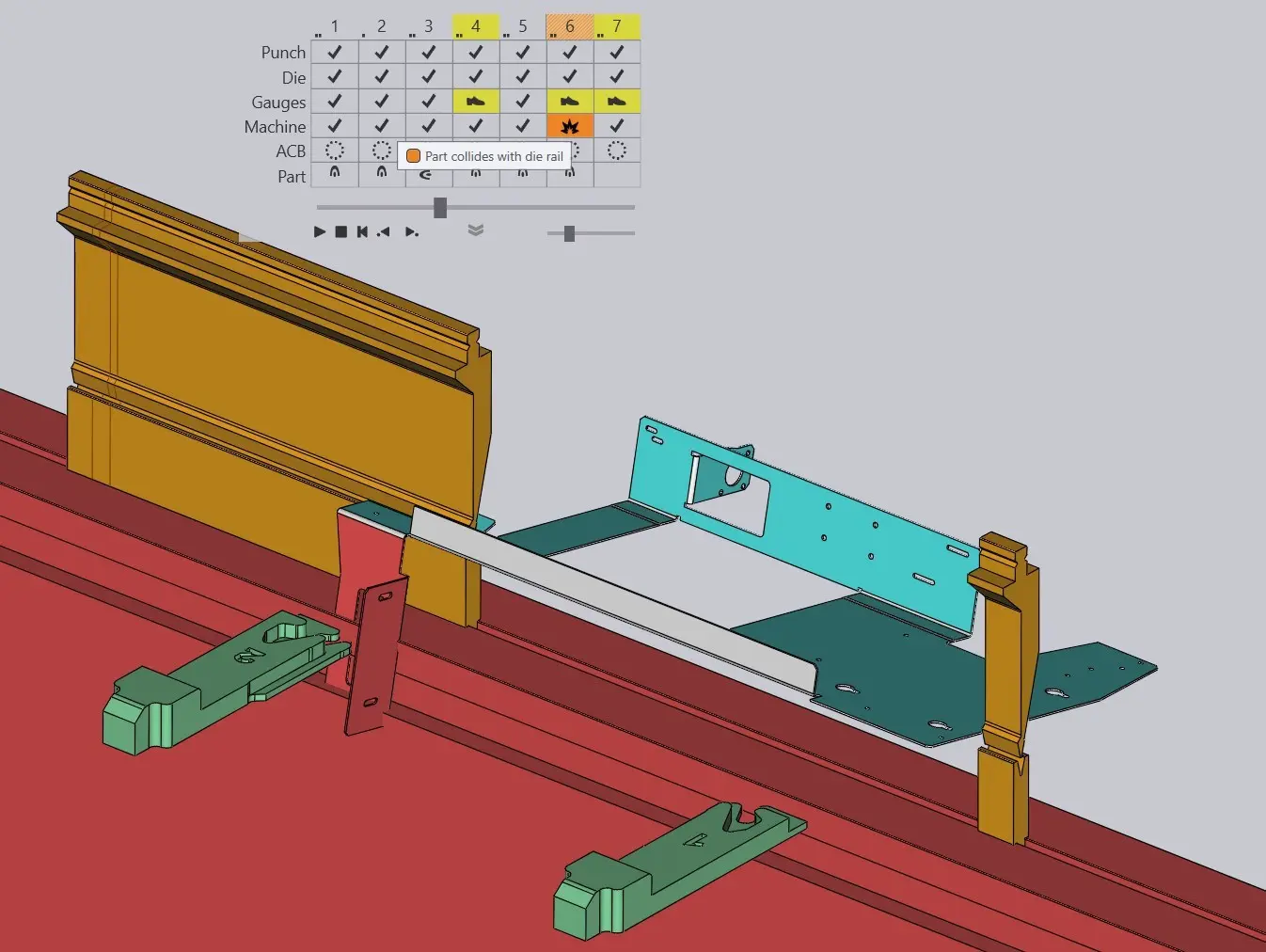
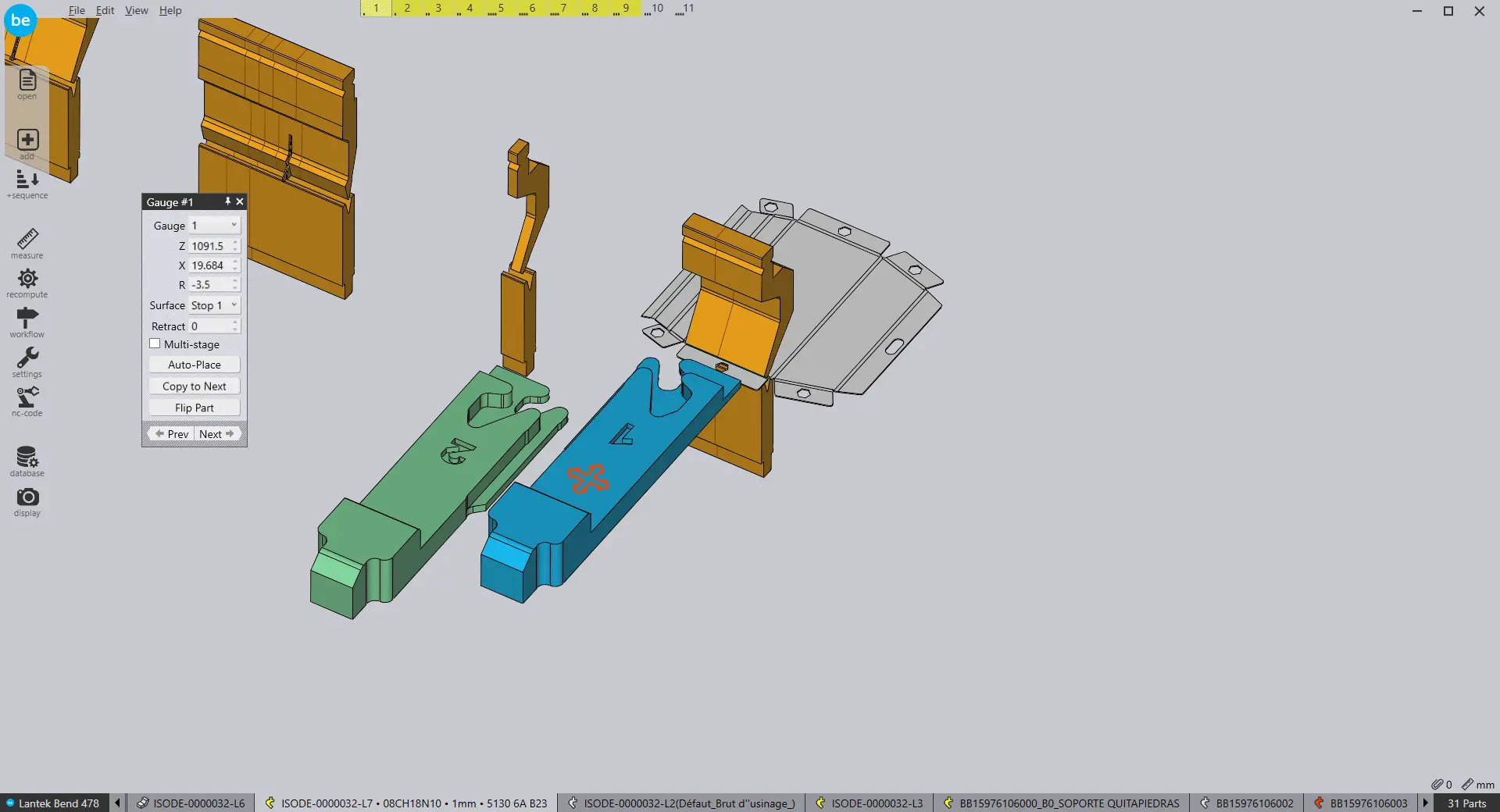
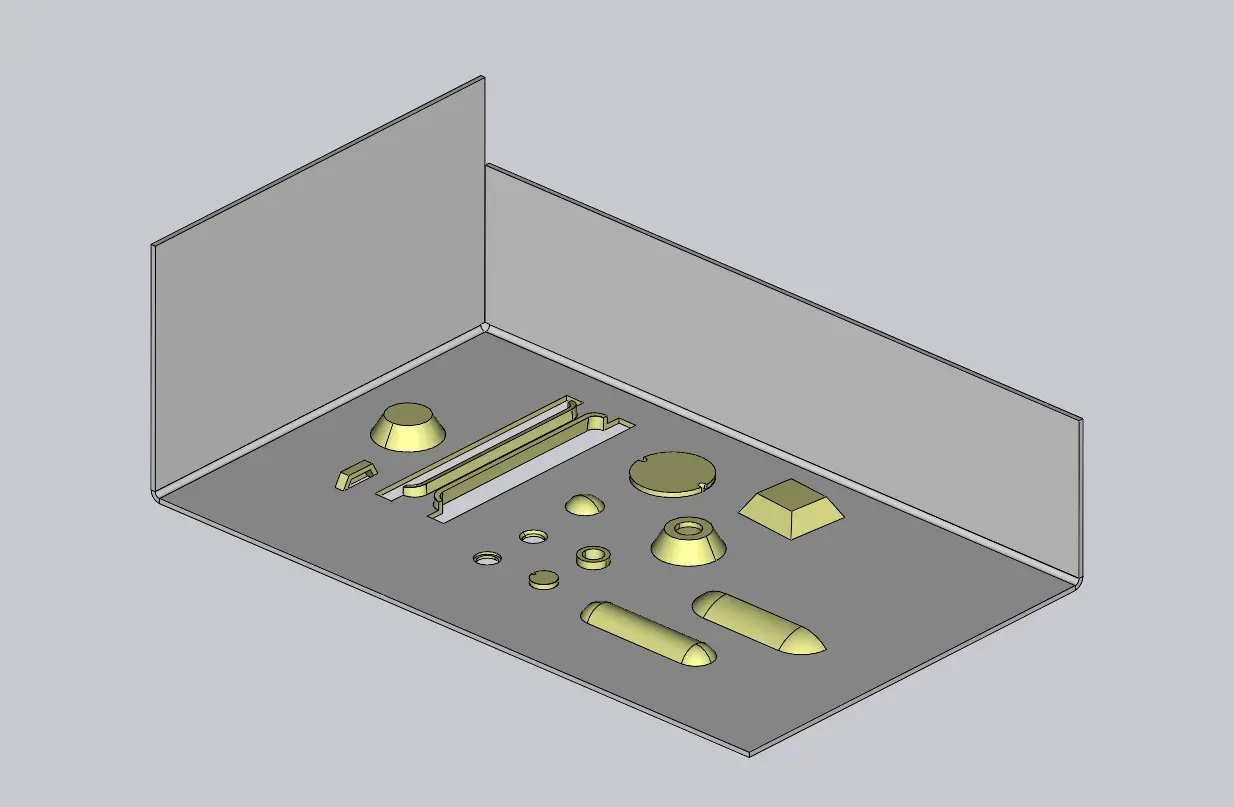
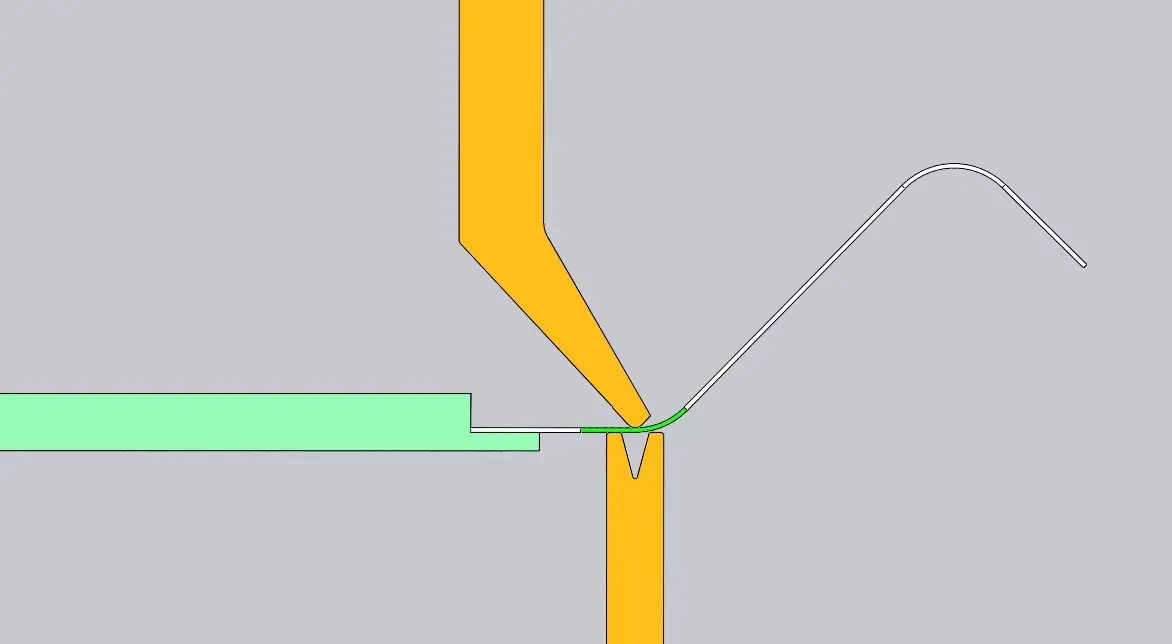
Visualize the bending process step by step in a 3D environment. This helps prevent collisions, define the correct bending sequence, and ensure part quality before production.
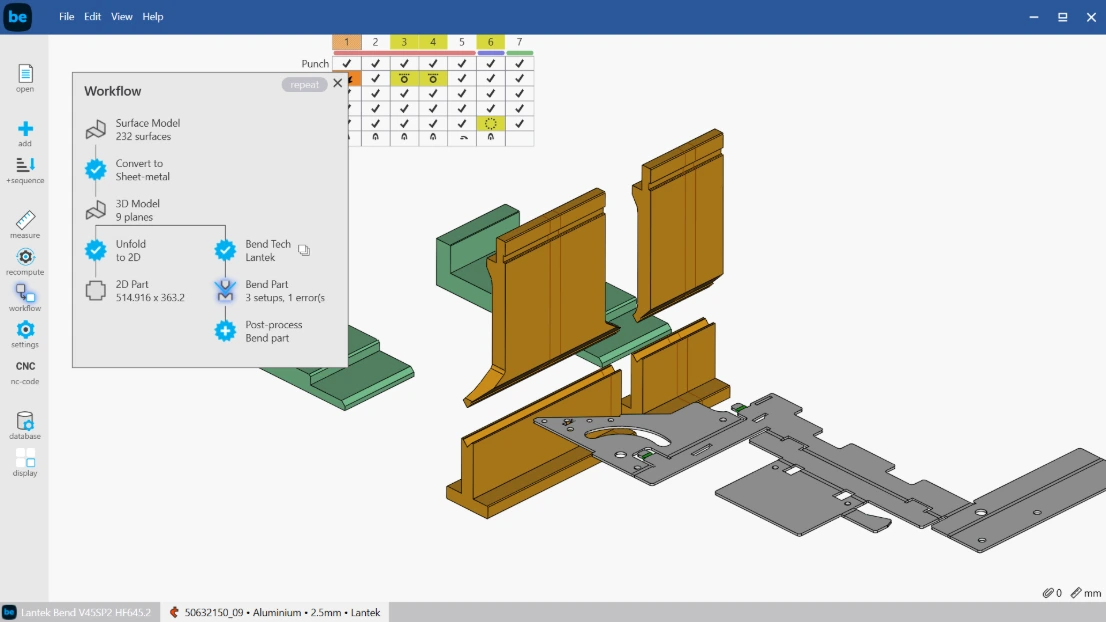
Real-time validation
The system detects collisions, incorrect tool assignments, and sequence errors. Operators can correct issues before sending programs to the machine, reducing material waste and downtime.
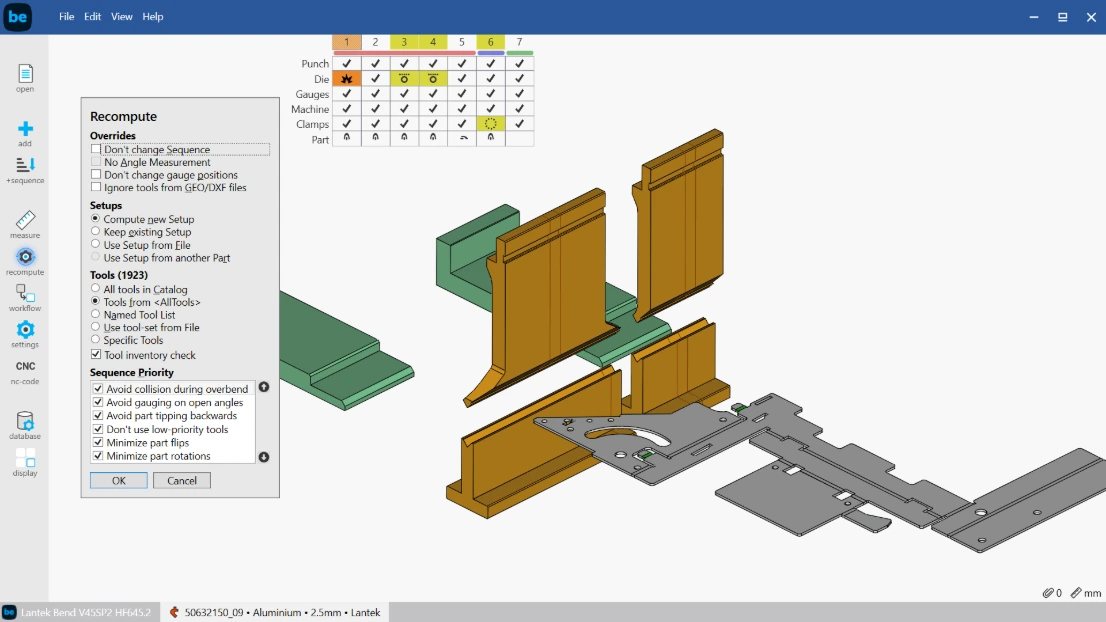
Fast bending algorithms
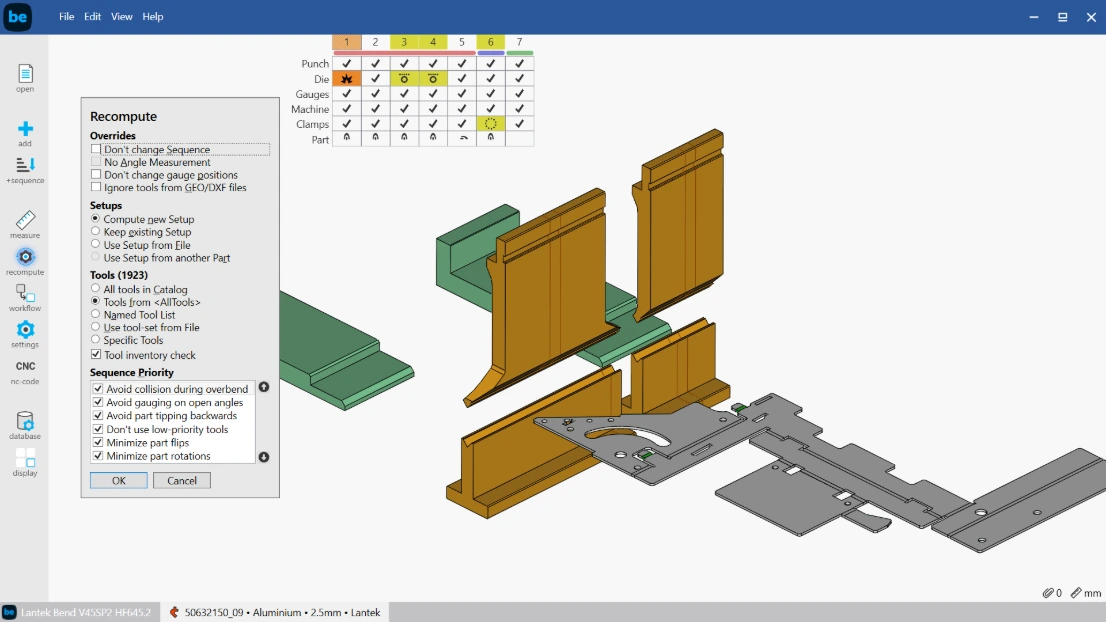
Advanced algorithms calculate the optimal bending sequence based on geometry, angles, lengths, and collision risks. This reduces machine time and improves programming efficiency.
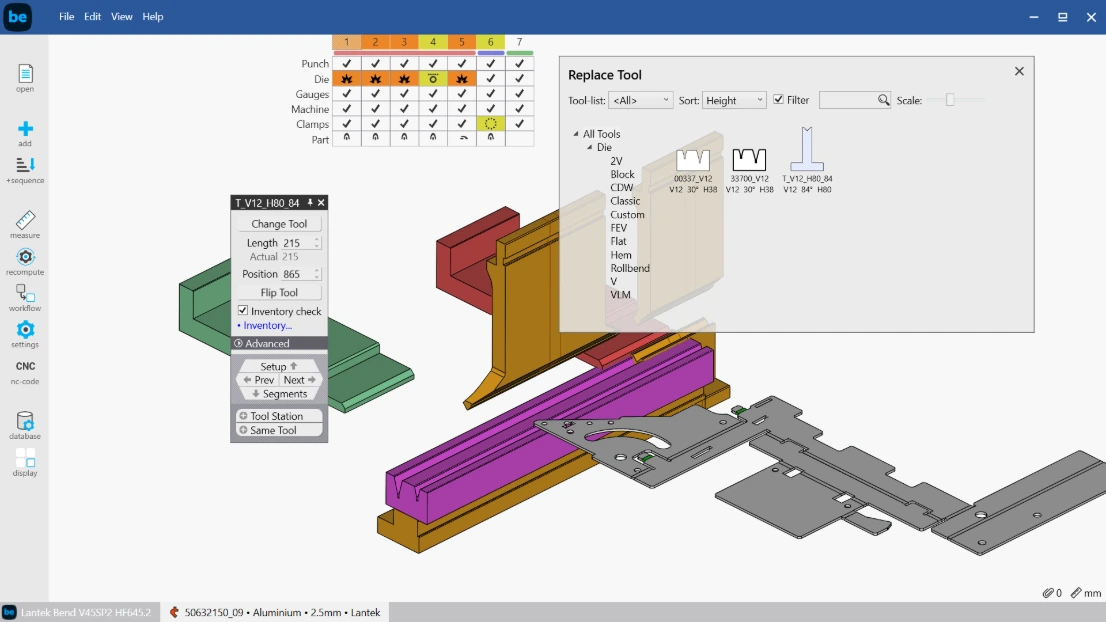
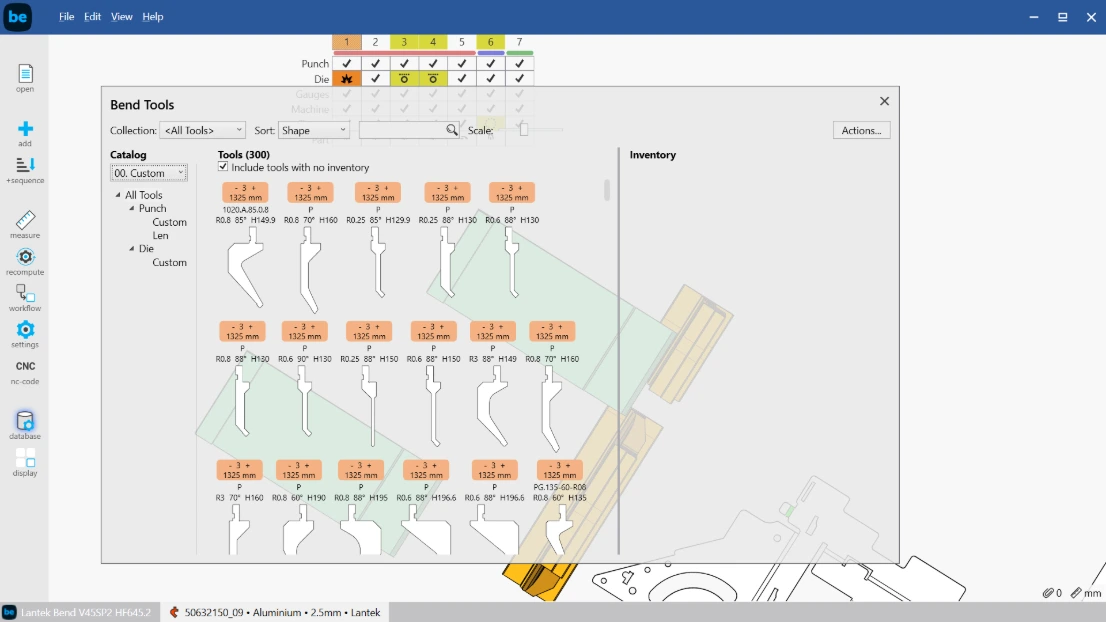
Customized tool management
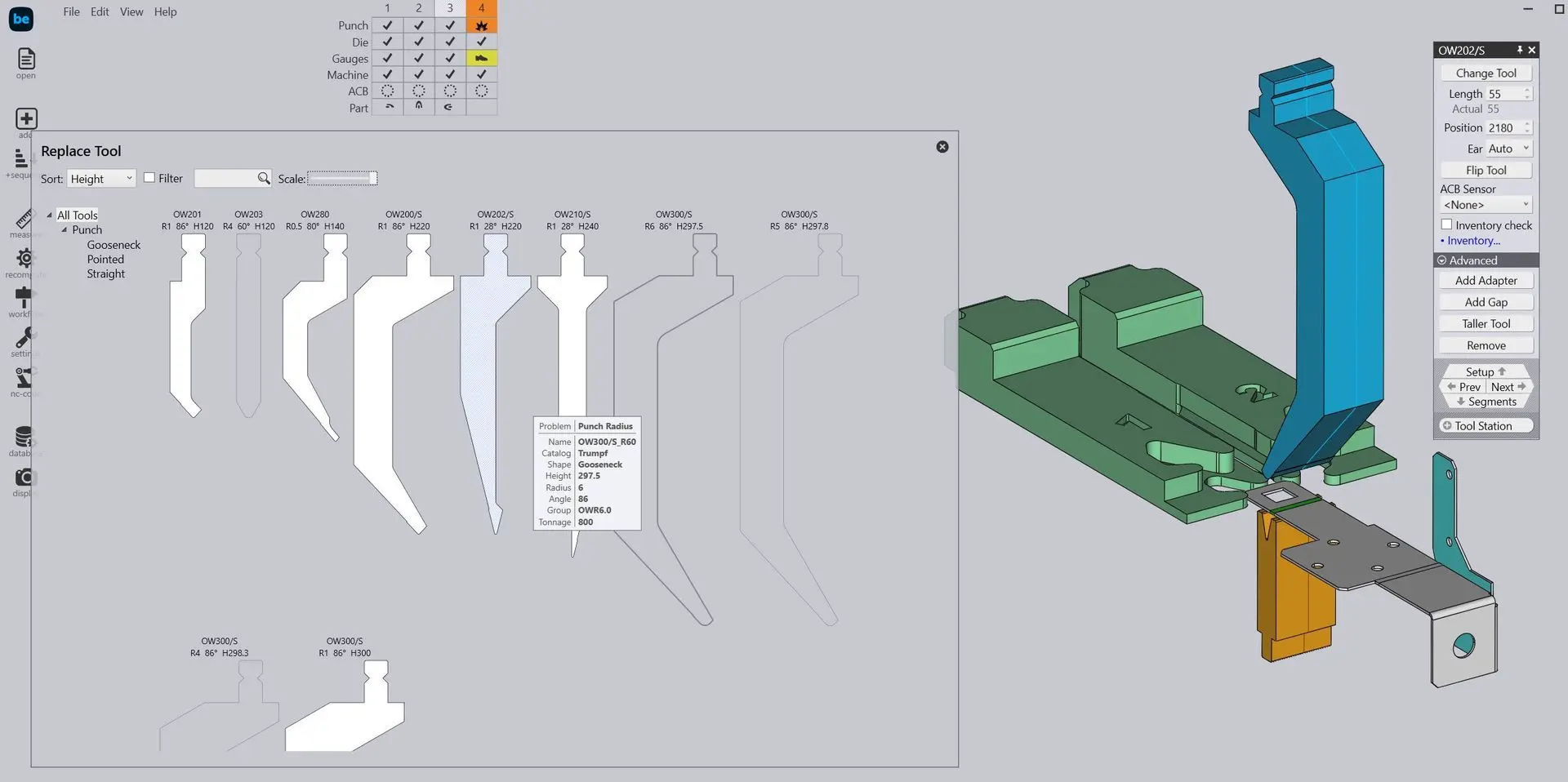
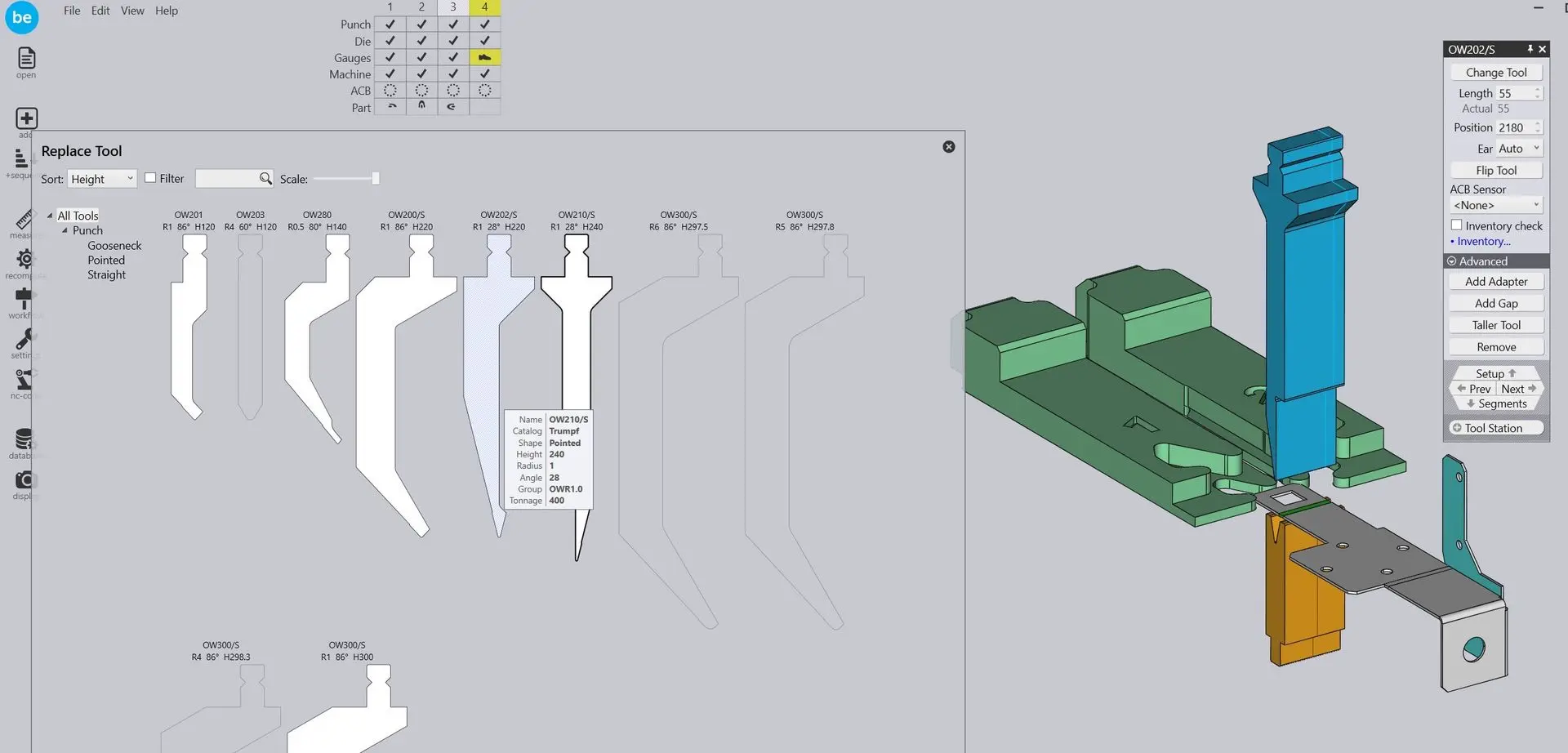
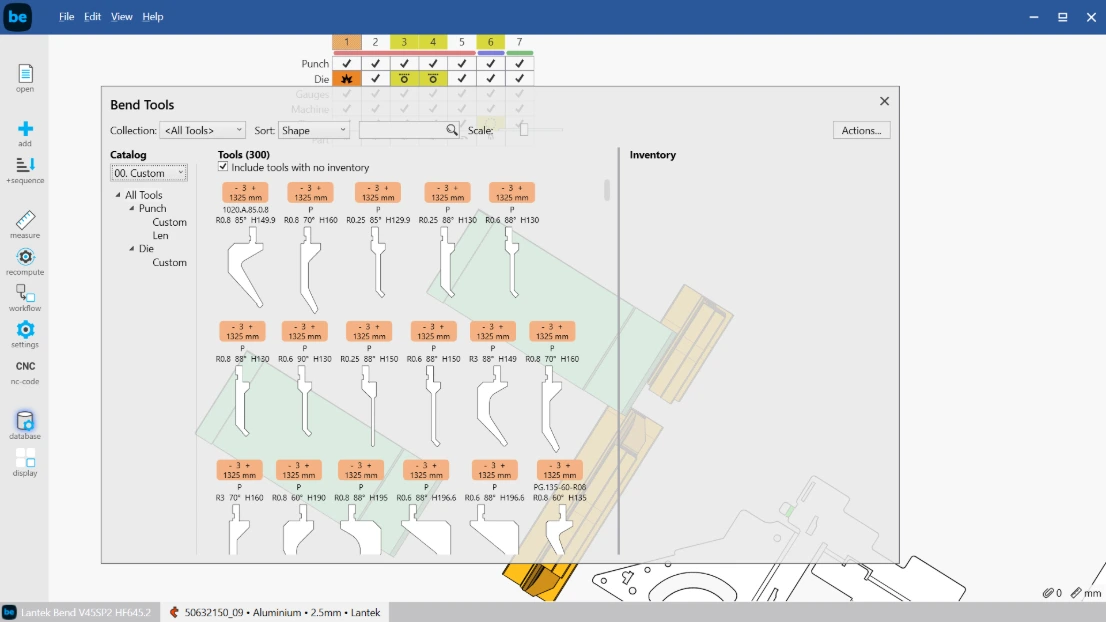
Access a library of more than 7,000 tools or create custom punches and dies. Programming adapts to the actual tooling available in the workshop.
Multi-brand CNC press brake support
Compatible with leading press brake brands such as LVD, Amada, Trumpf, and others. Centralize programming in a single CAD/CAM environment.
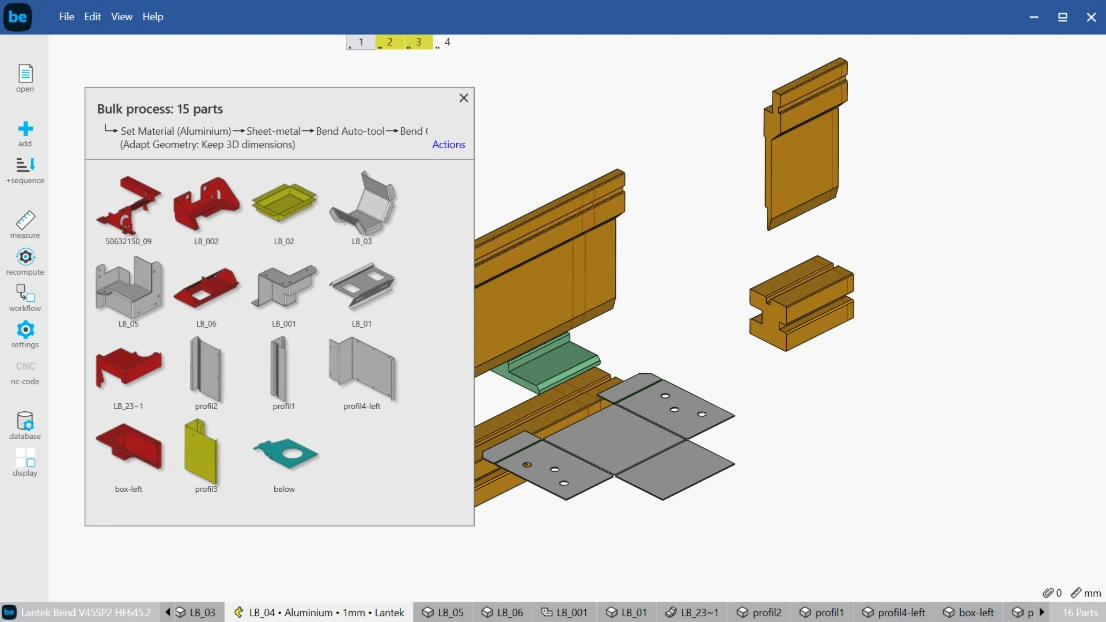
Batch programming
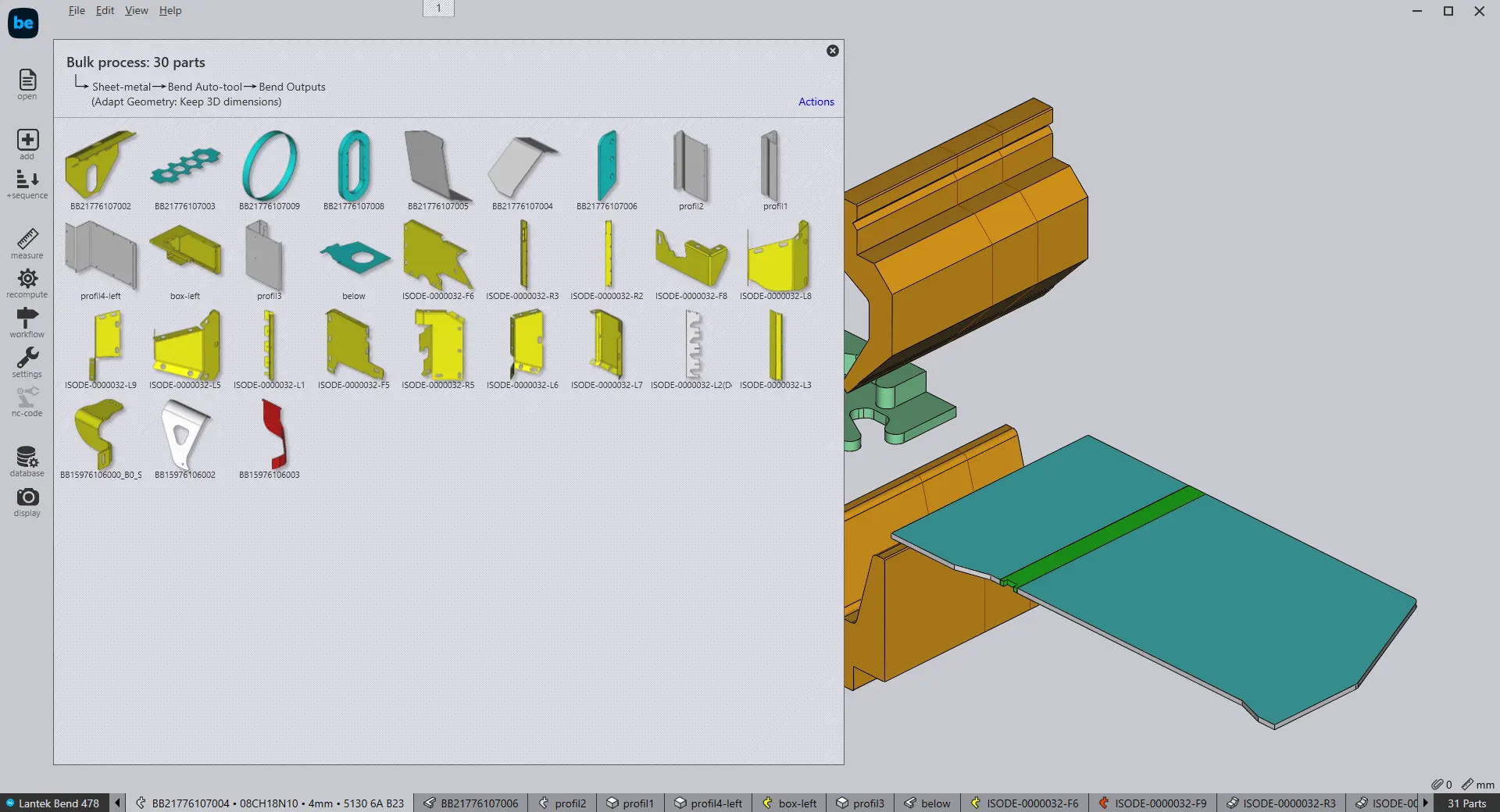
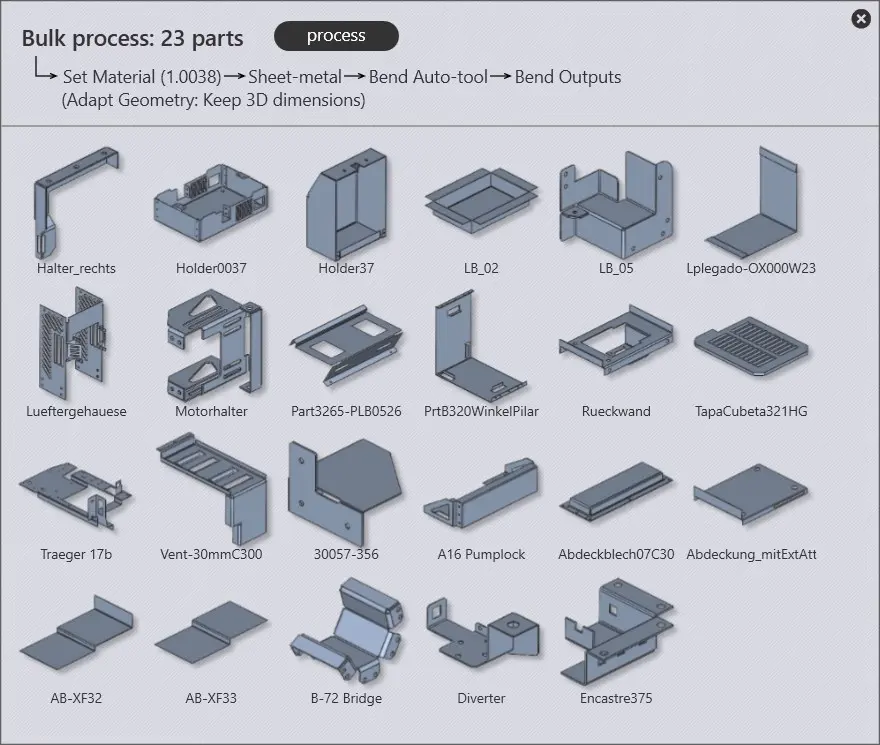
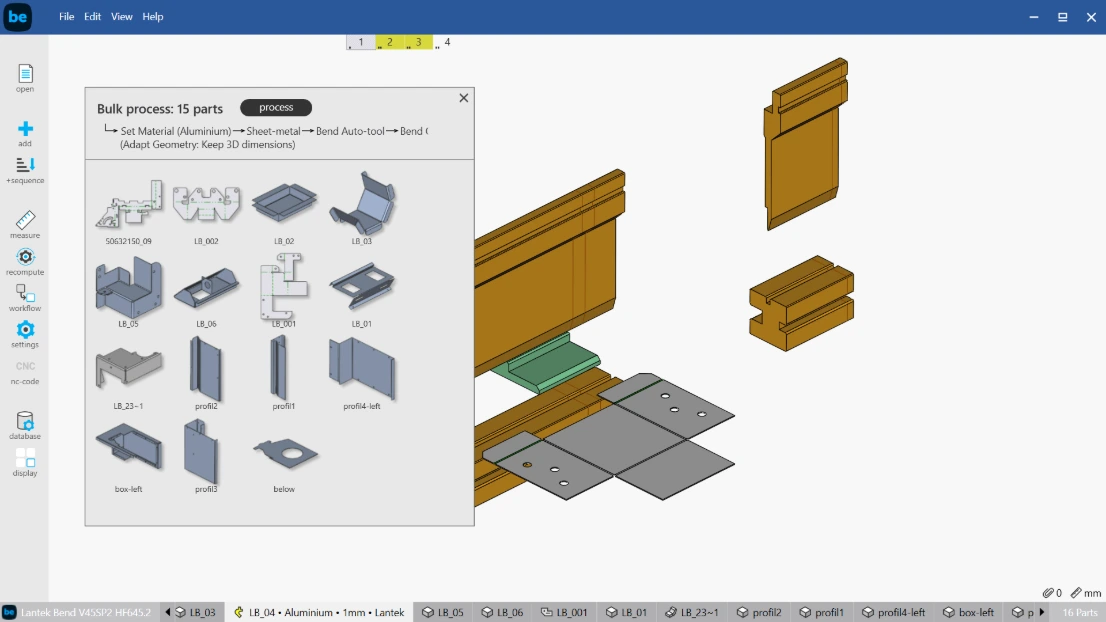
Import multiple parts and generate bending programs automatically. This reduces preparation time for repetitive jobs and short production series.
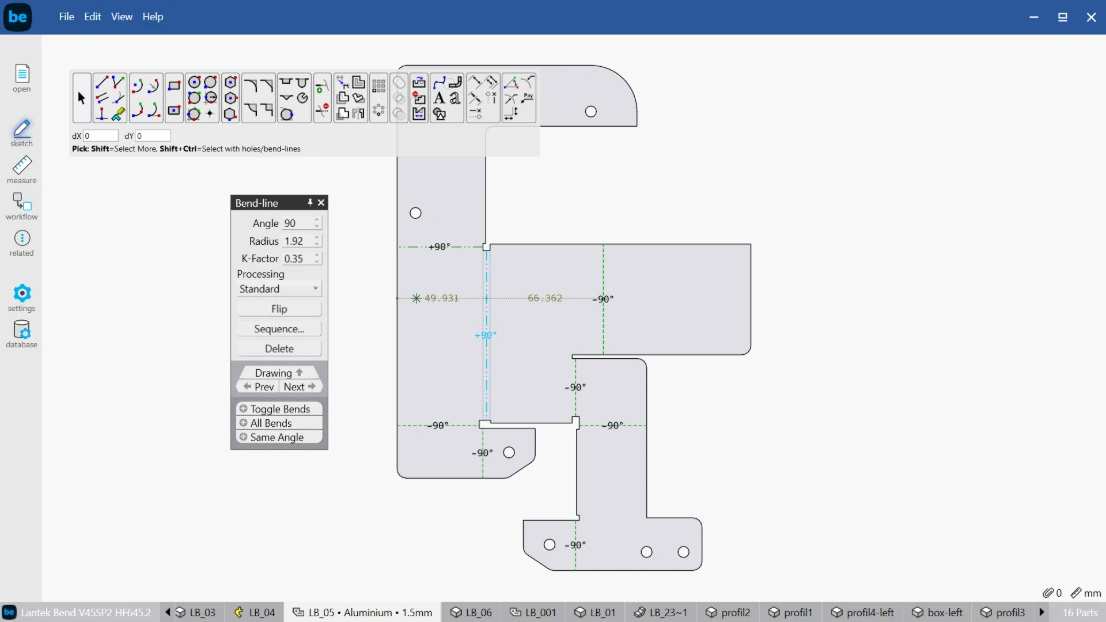
Adaptive drawings and graphic editor
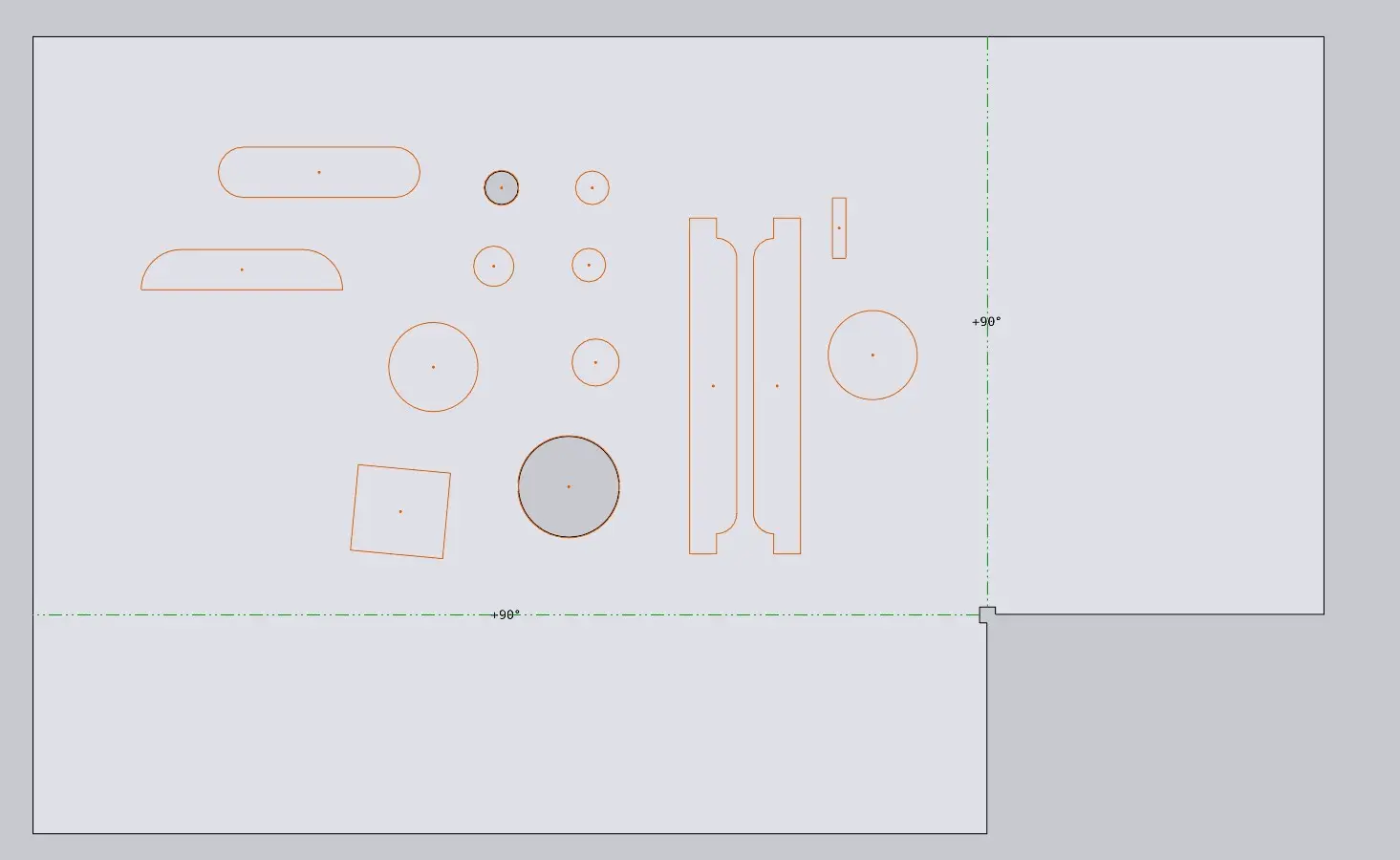
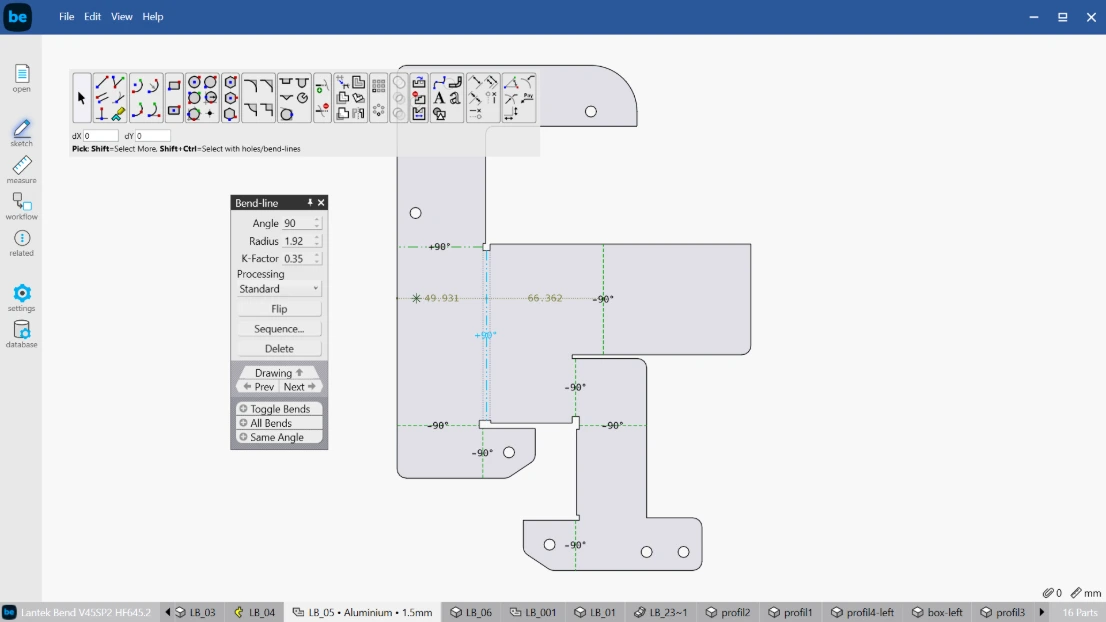
Generate workshop documentation with bending sequences, dimensions, and technical notes. Provide clear instructions for operators on the shop floor.
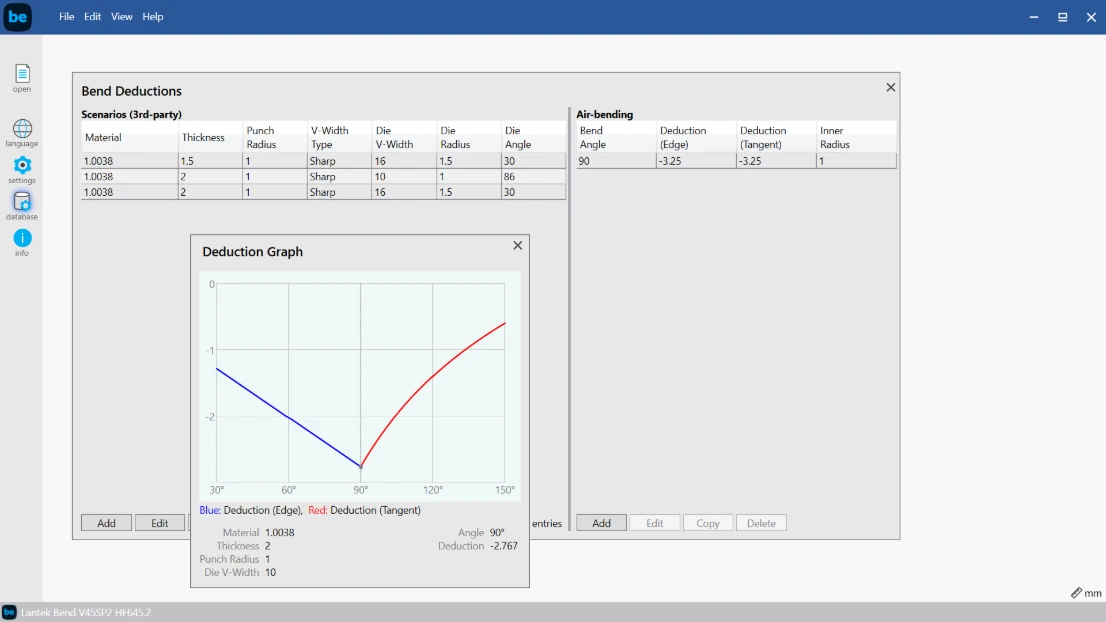
Tool selection assistant
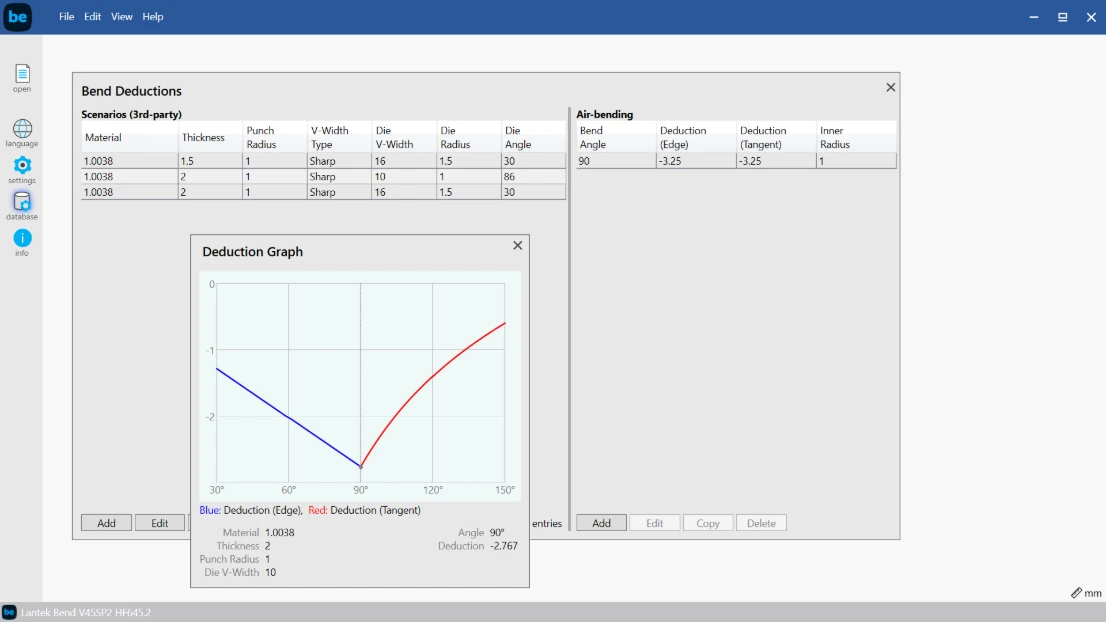
The system recommends the most suitable punch and die based on material, thickness, and geometry.
Integration with other Lantek modules
Lantek Bend connects with MES and ERP systems, as well as other Lantek CAD/CAM modules for cutting and punching. This enables full control of the sheet metal manufacturing process from a single platform.